
See any look on you, not on a model
Add one full-length photo. Approve the avatar Stylin makes from it. Then see any look on you. Free on iPhone, with 10 try-ons a week.

Example avatar, not a customer. iPhone only.
One photo, then any look on you
You add a single full-length photo. Stylin turns it into a studio-style avatar. After that, every look you try on is shown on that avatar.
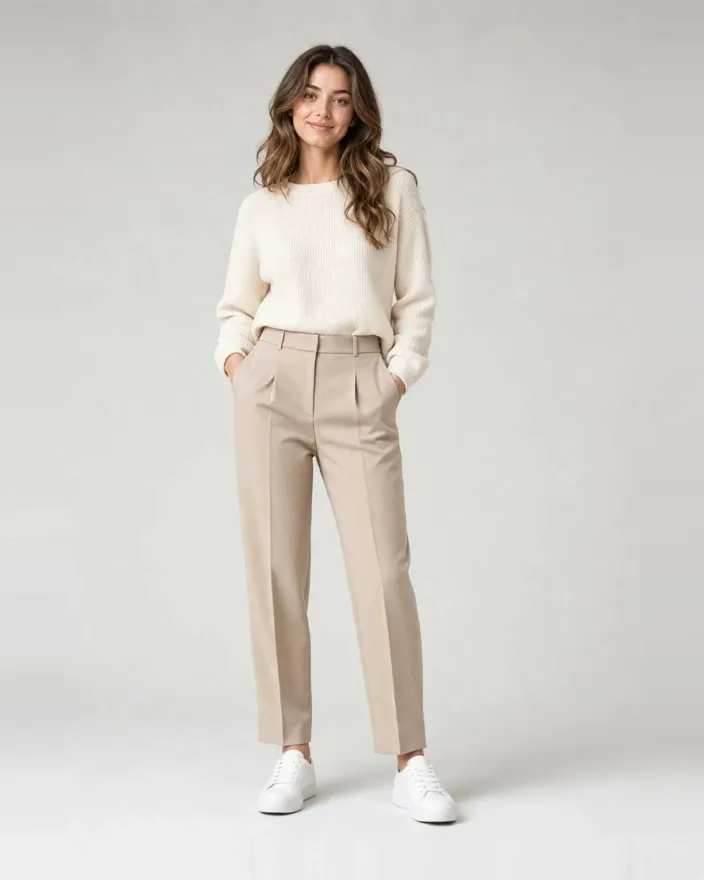
Your avatar 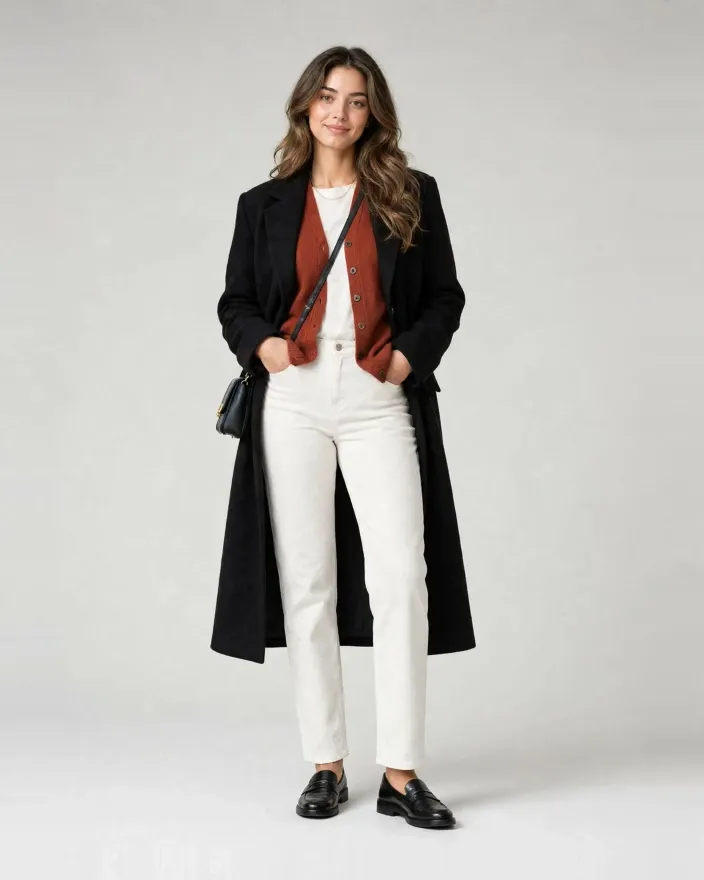
Long black coat, rust cardigan 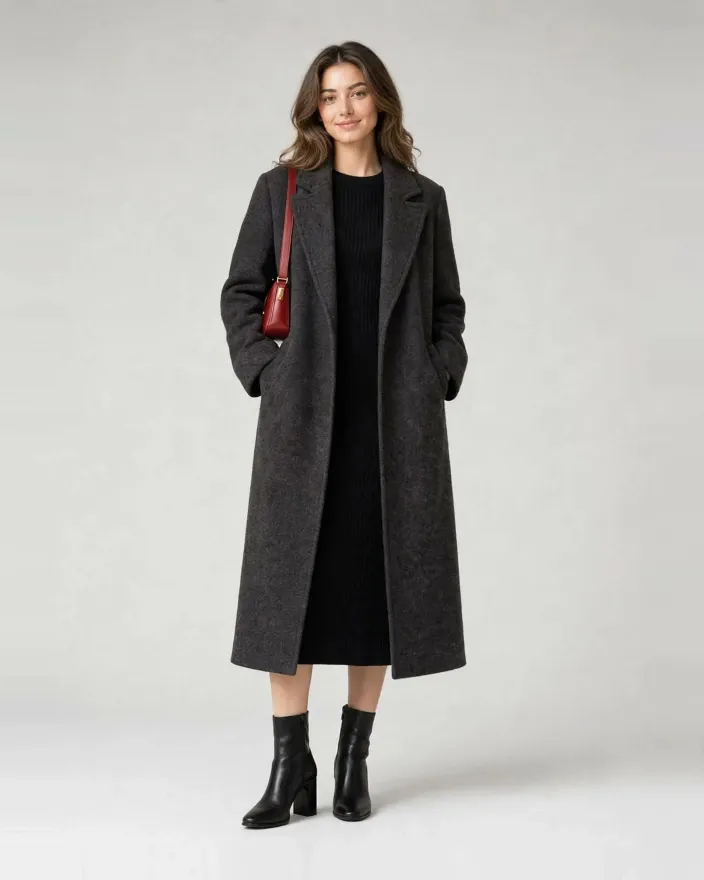
Charcoal coat, black knit dress 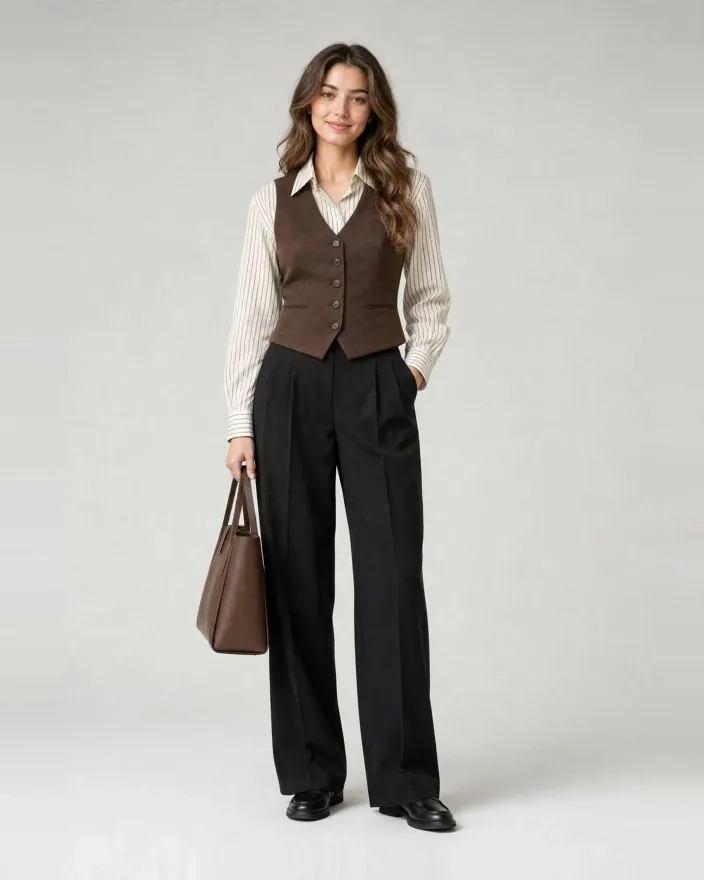
Brown waistcoat, striped shirt
An example person, not a customer.
How it works
Add one full-length photo
Take one or pick one from your library. Stylin checks it: one person, face clear, head to at least the knees.
Say yes to your avatar
In about half a minute Stylin makes a studio-style avatar and asks "Is this you?". Only an avatar you say yes to is ever used. Not right? Make another from a new photo.
Tap See it on you
Pick any look and tap See it on you. You get that whole outfit on your avatar as one still image, usually in 20 to 40 seconds. Keep browsing while it is made.
Where you will find it
- On the cover look in Explore.
- As the round hanger button on every look card in the daily issue and in Dress.
- On the look page, where you can swipe between your try-ons and the original photo.
- On collection pages.
- On your own edit of a look.
- In Saved, under On you, which keeps every try-on.
Free, and more with Stylin+
Free
No subscription needed
- 10 try-ons a week
- 1 avatar
Stylin+
For heavier use
- 30 try-ons a week
- Several avatars to switch between
- Poses: hand on hip, weight on one leg, walking and more
Try-on is on every plan, including without a subscription. The week resets on Monday.
Your photo stays yours
Your photo, avatar and try-ons are private. Only you can see them, and try-ons cannot be shared from the app.
To make your avatar and your try-ons, your photo is sent to Stylin's AI partners: fal.ai, Google and OpenAI. The app names them on the photo step.
You can delete your photo or your avatar at any time in the You tab. Deleting your account removes them. Try-on is for adults only.
What it can and cannot tell you
- It shows how a look looks on you: colour, proportion, silhouette and overall feel.
- It does not tell you your size or how a garment will fit.
- The result is an AI image of your avatar, not a photo. Small details such as prints, logos and hems can come out differently.
- It tries on whole looks, not a single garment or a photo of an item from the web. To use a piece you own, swap it in with Edit outfit, then try the edited look on.
- It is on iPhone only. There is no Android app and no web version.
Questions
Is the virtual try-on free?
Yes. Stylin is free to download on iPhone, and every free account gets 10 try-ons a week and one avatar. Try-on is on every plan, so you do not need a subscription to use it. The week resets on Monday.
How many try-ons do I get?
Free accounts get 10 try-ons a week. Stylin+ gives you 30 a week. One try-on runs at a time, and you can keep browsing while it is made.
Can I try on my own clothes?
Stylin tries on whole looks, not single garments or photos of items from the web. To use something you own, open a look, tap Edit outfit and swap a piece for an item from your wardrobe. Then try the edited look on your avatar.
Does it show if something fits or what size to buy?
No. Try-on shows how a look looks on you: colour, proportion, silhouette and overall feel. It does not tell you your size or how a garment will fit. The result is an AI image of your avatar, so small details such as prints, logos and hems can come out differently from the real thing.
What happens to my photo?
Your photo is sent to Stylin's AI partners (fal.ai, Google and OpenAI) to make your avatar and your try-ons. Your photo, avatar and try-ons are private: only you can see them, and try-ons cannot be shared from the app. You can delete your photo or your avatar at any time in the You tab. Deleting your account removes them. Try-on is for adults only.
Is there an Android or web version?
No. Virtual try-on is on iPhone only. There is no Android app and no web version, so you cannot upload a photo on this website.
How long does a try-on take?
Making your avatar takes about half a minute. A try-on is usually ready in about 20 to 40 seconds. The app tells you when it is ready, so you can keep browsing while you wait.
Can I share my try-ons?
No. Try-ons are private and cannot be shared from the app. You can swipe between your try-ons of a look and the original photo, and Saved has an On you tab that keeps every try-on.
See it on you
Download Stylin free on iPhone, add one photo and try on your first look.