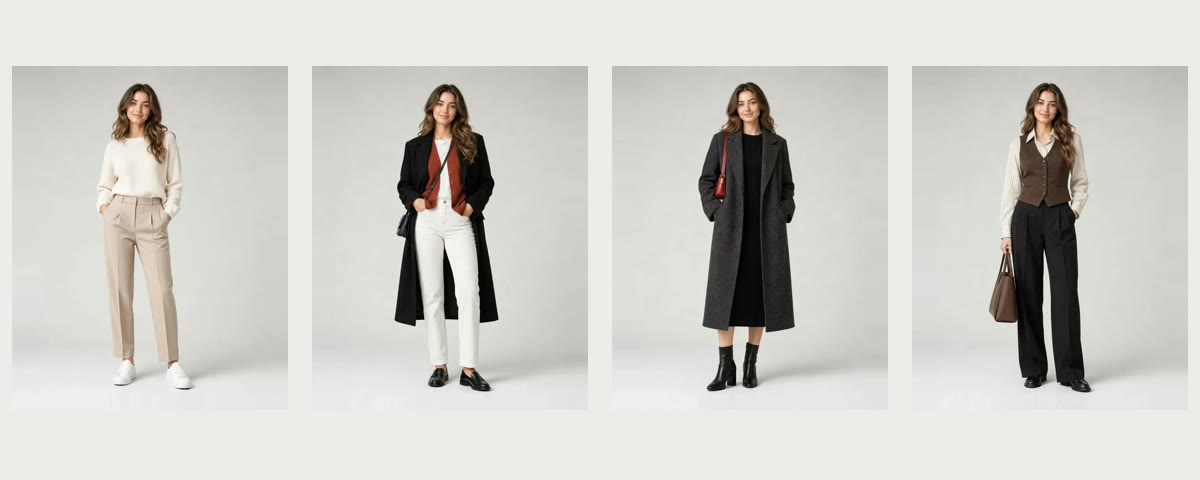
The short answer: virtual try-on shows you clothes on yourself before you buy or wear them. Modern AI try-on takes a photo of you and generates a new image of you wearing the outfit. It is good at showing how a look looks on you: colour, proportion and silhouette. It is not a sizing tool, so it can't tell you which size to buy or how a garment will fit.
Virtual try-on used to mean a cartoonish overlay in a mirror. The newer kind, built on generative AI, produces a picture of you that looks like a photo. That makes it far more useful, and easier to over-trust.
We have just added try-on to Stylin, so this is written from the engineering side, limits included. (For how the looks themselves are chosen, see how AI personal styling works.)
What are the different kinds of virtual try-on?
There are three broad kinds of virtual try-on, and they answer different questions.
AR mirrors and live camera overlays. These use your phone camera, or a screen in a shop, to track your face or body in real time and lay a digital item over the live video. They suit things that sit on the surface, such as glasses, make-up and jewellery. Clothes tend to look like a layer stuck on top of you.
3D body scans and size tools. These estimate your measurements from photos, a phone scan, or details such as height and weight. The goal is fit: recommending a size, or showing a garment on a 3D body shaped like yours. The visuals are closer to a mannequin than a photo, but they answer the question the other kinds can't: which size?
Generative AI photo try-on. The newest kind, and the subject of this post. You give the app a photo of yourself, it works on that photo or builds an avatar from it, and an image model generates a new picture of you wearing the clothes. The result can look like a real photo, which is the point and also the catch: it shows how the outfit would probably look, not a measurement.
The quick way to tell them apart: AR shows you an item live, size tools tell you what to buy, and AI photo try-on shows you how a look looks on you.
How does AI photo try-on work, step by step?
Every app does this a little differently, but the shape is the same. Stylin is the worked example, because I know exactly what it does.
1. Checking the photo
The app first checks the photo is usable. In Stylin you add one full-length photo from your camera or library, and the app checks there is one person, the face is clear, and you are visible from head to at least the knees.
2. Building a representation of you
Next the system works out your face, hair, body outline, pose and proportions, and which parts are the clothes you're wearing. Some apps work on your original photo. Others first make a clean avatar, so every try-on starts from the same consistent base. Stylin makes a studio-style avatar from your photo in about half a minute, then asks "Is this you?". Only an avatar you say yes to is ever used. If it isn't right, you make another from a new photo.
3. Mapping the outfit onto your body
The system works out what each garment is, its colour and length, and how the pieces layer (coat over cardigan, not under it), then places them on your body, in your pose. A whole outfit is harder than a single top, because every piece has to sit together in one believable picture. Stylin tries on whole looks: when you tap "See it on you", the entire outfit goes on your avatar at once.
4. Generating a new image
An image model then draws a new picture that keeps your face, hair, body shape and pose and replaces the clothes, filling in what a flat product photo doesn't show: folds, shadows, where a hem falls. Nothing is cut and pasted: the clothes are drawn fresh. In Stylin the result is one 4:5 portrait image, labelled "On you", ready in about 20 to 40 seconds.
5. Checking the result
Generated images can go wrong in small ways: an odd hand, a missing accessory, a face that drifts from yours. The most reliable check is still a person looking at it, which is why Stylin asks you to confirm the avatar first. If the starting point isn't you, nothing built on it will be.
How accurate is virtual try-on?
Virtual try-on is accurate for how a look looks on you, and unreliable for how it fits.
- Colour: whether a shade works next to your skin, your hair and the rest of the outfit.
- Proportion: where a long coat or midi hem lands on you, and whether it swamps you.
- Silhouette: the overall shape, fitted or oversized, straight leg or wide.
- How the pieces work together: whether coat, knit and trousers read as one look.
- Whether it feels like you: hard to judge from a product photo on a model.
- Exact size: a photo of you doesn't contain your measurements.
- Fit: whether a jacket pulls across the back depends on how that garment was cut.
- Fabric drape and stretch: how heavy wool hangs or thin jersey clings.
- Small details: prints, logos, buttons, stitching and hems can come out differently.
Your photo doesn't hold your measurements, and a product photo doesn't hold the garment's cut, fabric weight or stretch. The model fills those gaps with what is typical, which works for the overall look and fails at the level of centimetres. For the styling theory behind proportion and silhouette, our guide to dressing for your body type covers it.
A practical rule: use try-on to decide the look. Use the size chart, reviews and the returns policy to decide the size.
How do you get a good try-on result?
Most disappointing try-ons start with the photo. The model can only keep what it can see.
- Full length: head to at least the knees. Head to toe is better if you want to see shoes.
- One person: nobody else in the frame.
- Face clear: facing the camera, no sunglasses, hair off your face if you can.
- Good, even light: daylight from a window in front of you, not behind you.
- Plain background: a wall or a door, not a busy room.
- Fitted clothes: so your shape shows. Baggy layers hide it and the model has to guess.
- Natural standing pose: weight on both feet, arms relaxed and slightly away from your body.
Is it safe to upload your photo to a try-on app?
A try-on app needs a clear photo of your whole body. Before you upload one, check four things:
- Where the photo goes: does the app name the companies that process it?
- Who can see the results: are they private to you, or can they appear anywhere else?
- Can you delete it: your photo and any avatar, from inside the app.
- Sharing: can results be shared out of the app, and by whom?
In Stylin, your photo is sent to Stylin's AI partners to make the avatar and the try-ons, and the app names them on the photo step: fal.ai, Google and OpenAI. Your photo, avatar and try-ons are private: only you can see them, and try-ons can't be shared from the app. You can delete your photo or your avatar at any time in the You tab, and deleting your account removes them. Try-on is for adults only.
What does virtual try-on look like in Stylin?
The images below show an example person, not a customer: one avatar made from one full-length photo, then the same avatar in three looks.
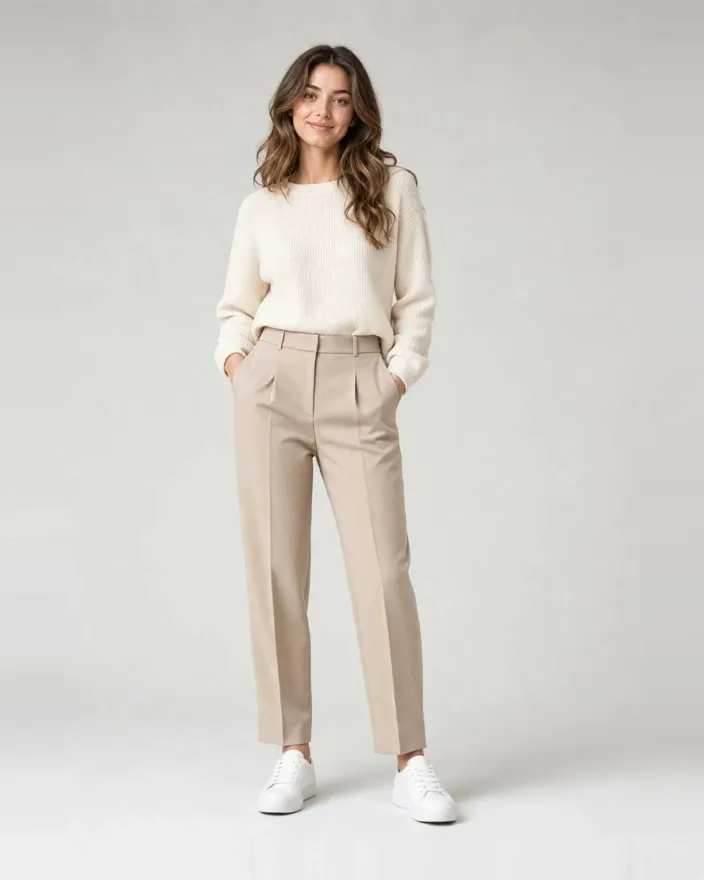
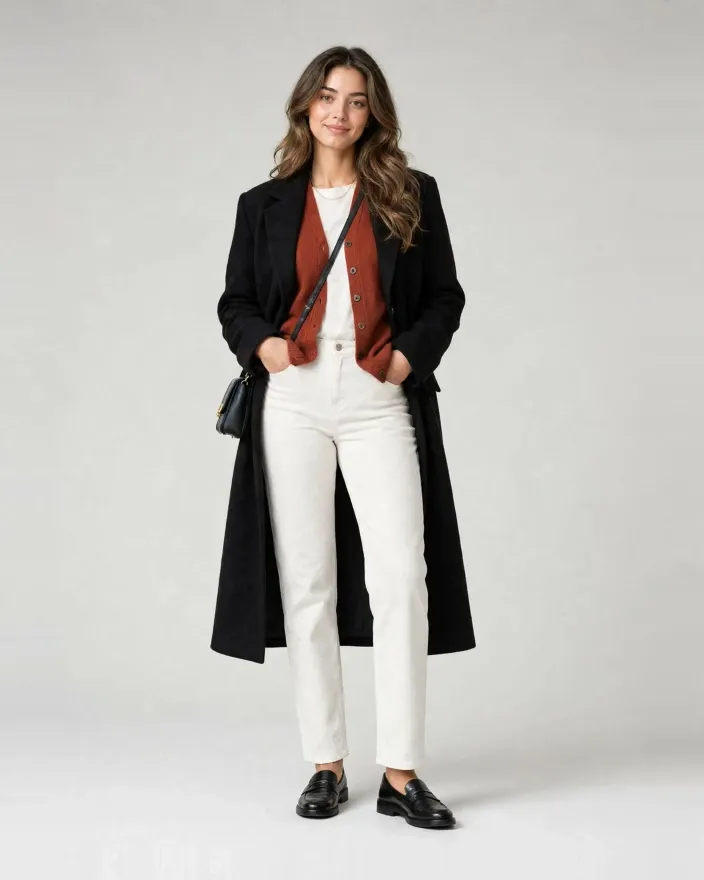
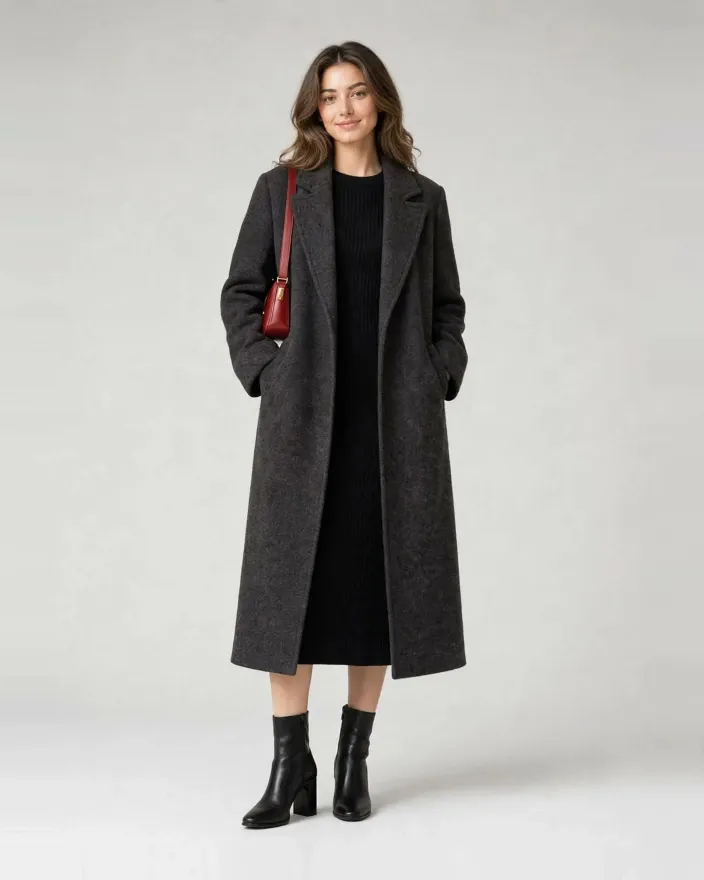
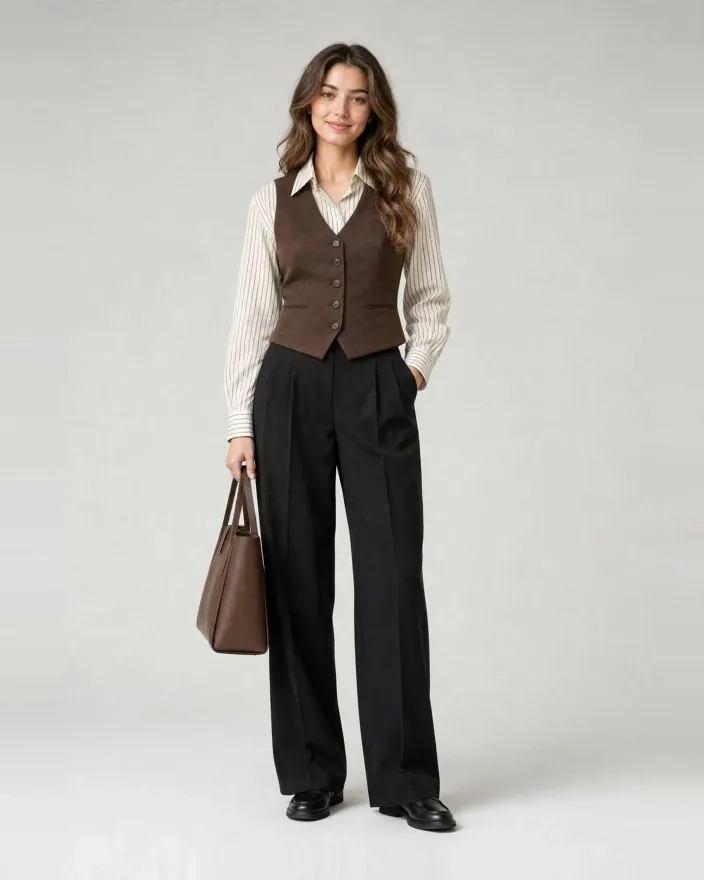
You'll find the "See it on you" button on the Explore cover look, as the round hanger button on every look card in the daily issue and in Dress, on the look page, on collection pages, and on your own edit of a look. You can keep browsing while it is made; the app tells you when it's ready. Saved > "On you" keeps every try-on.
It tries on whole looks from the Stylin library, or your edits of them: to see a look with your own jeans, swap the piece in Edit outfit, then try it on.
Try-on is available on every plan, including without a subscription. Free gives you 10 try-ons a week, resetting on Monday, and one avatar. Stylin+ gives you 30 a week, several avatars and poses. Stylin is iPhone only, and you can get it on the App Store. For the full rundown, see Stylin's virtual try-on; if you are comparing free options, see is there a free virtual try-on app?
Frequently asked questions
Is virtual try-on accurate for sizing?
No. Virtual try-on shows how a look looks on you, its colour, proportion and silhouette, but a photo doesn't contain your exact measurements and the AI doesn't know how a particular garment is cut. Use try-on to decide the look, and the size chart, reviews and returns policy to decide the size.
Is there a free virtual try-on app?
Many try-on apps are free to download but give only a handful of try-ons before asking for a subscription. In Stylin, try-on is available on every plan, including without a subscription: 10 try-ons a week for free, or 30 a week with Stylin+. Stylin is iPhone only.
Is it safe to upload my photo to a virtual try-on app?
It depends on the app: check where your photo goes, who can see the results, and whether you can delete it. In Stylin, your photo is sent to Stylin's AI partners to make your avatar and try-ons. Your photo, avatar and try-ons are private to you, and you can delete your photo or avatar at any time in the You tab.
Can I try on clothes from any website?
Not in Stylin. Stylin tries on whole looks: a look from the Stylin library, or your own edit of one. You can swap a piece through Edit outfit, including for something from your own wardrobe, then try the edited look on, but you can't upload a photo of an item from another shop. Some other try-on apps work from a product photo instead.
Does virtual try-on work for every body shape?
AI photo try-on starts from your own photo, so it shows the outfit on your body rather than on a standard model. It is still a generated image, so it can smooth over or change details, and it can't tell you how a particular size will fit. If a result doesn't look like you, make a new avatar from a full-length, well-lit photo taken in fitted clothes.
Why does my try-on look slightly different from the product photo?
Because it is a new image, not an edit of the product photo. The model redraws each garment on your body and in your pose, so folds, length and drape are its best estimate, and small details such as prints, logos and hems can come out differently. Check the product photos for details, and the try-on for the overall look.